Source note: Local copy of a Summer Into AI 2026 submission originally published on Substack. Screenshots, video, and audio found in the post body are mirrored locally when publicly accessible; profile and avatar images are intentionally not copied. Read the canonical post.
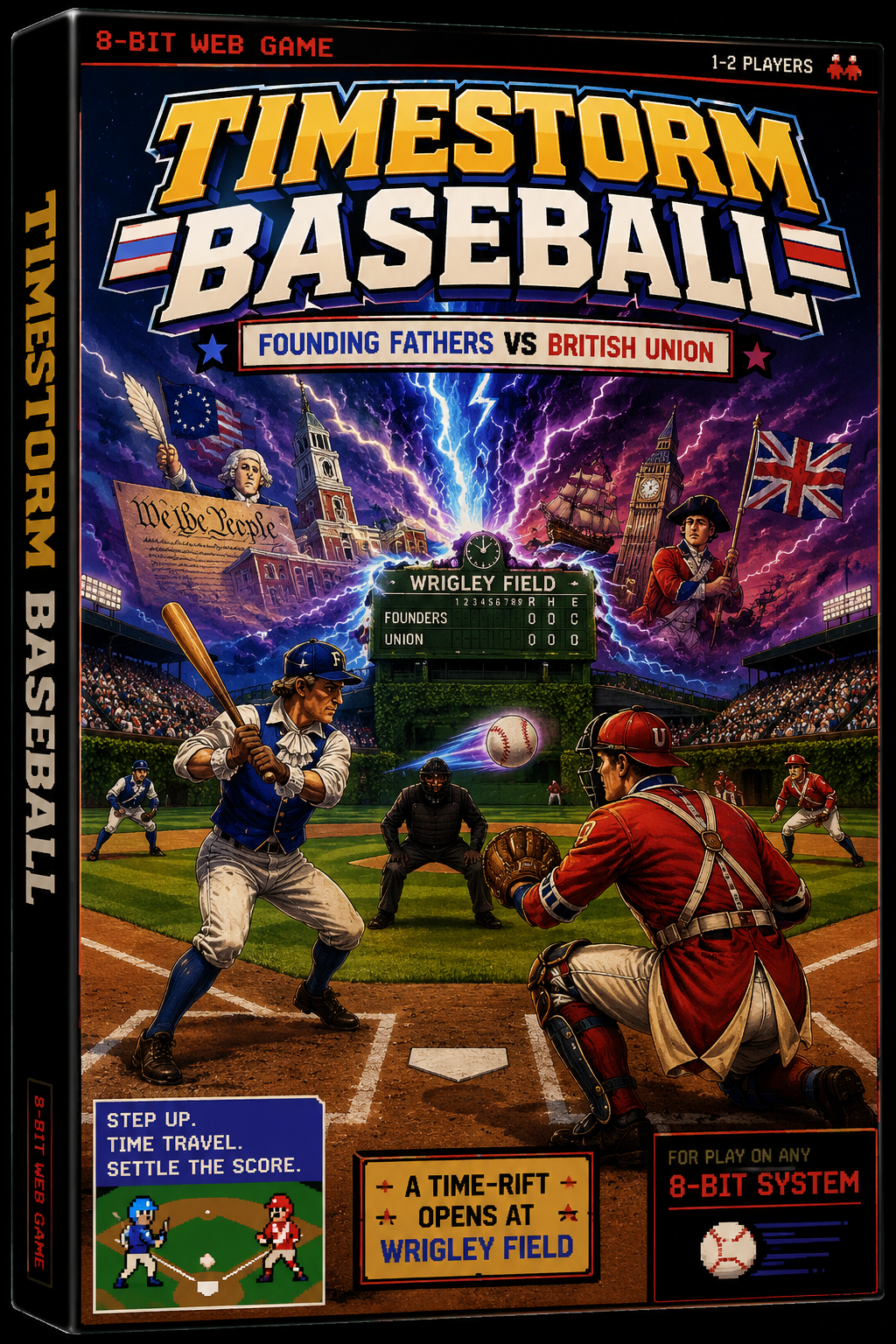
Timestorm Baseball is a build for the Summer into AI competition that I built over the weekend. The story here in the game is that a timerift opened up at Wrigley Field, which brough the founding fathers of the United States and the British to play a competitive game of baseball.
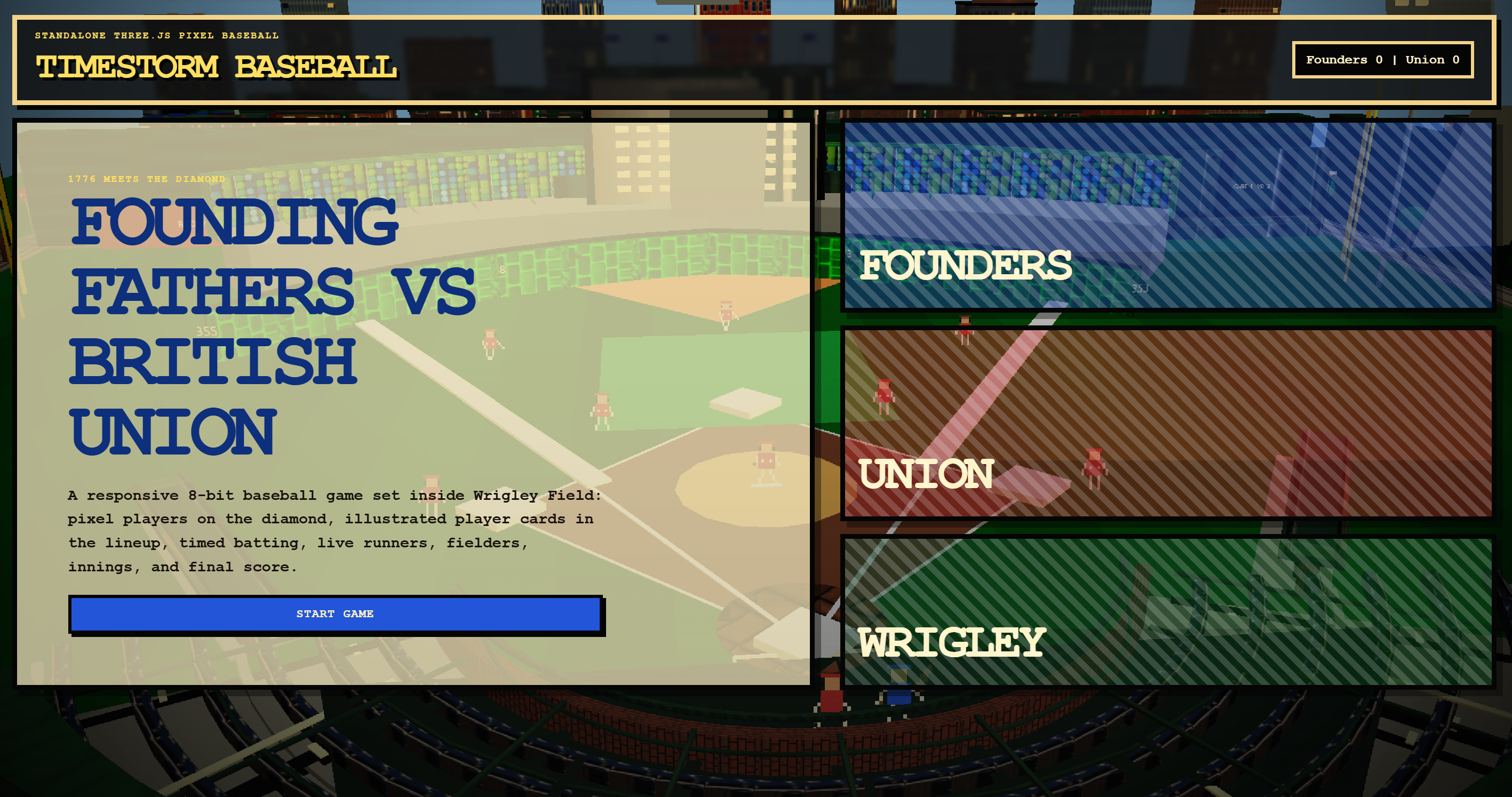
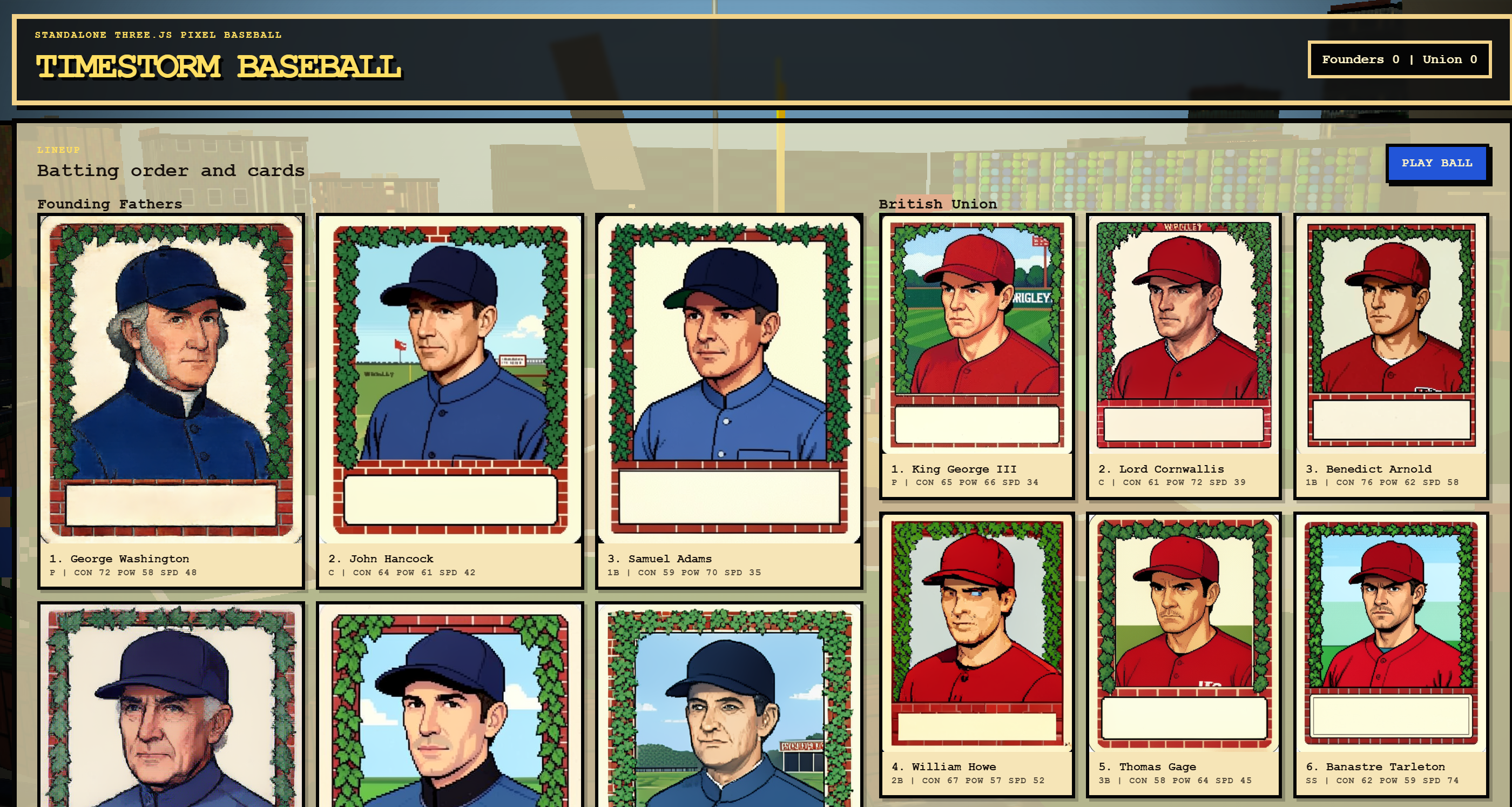
The game features a mostly working version of the game baseball. You can pitch, hit, and do a very weak strategy around the game. I’ll be writing more about one part of this game in the subsequent week: how I got a version of Wrigley Field into the game.
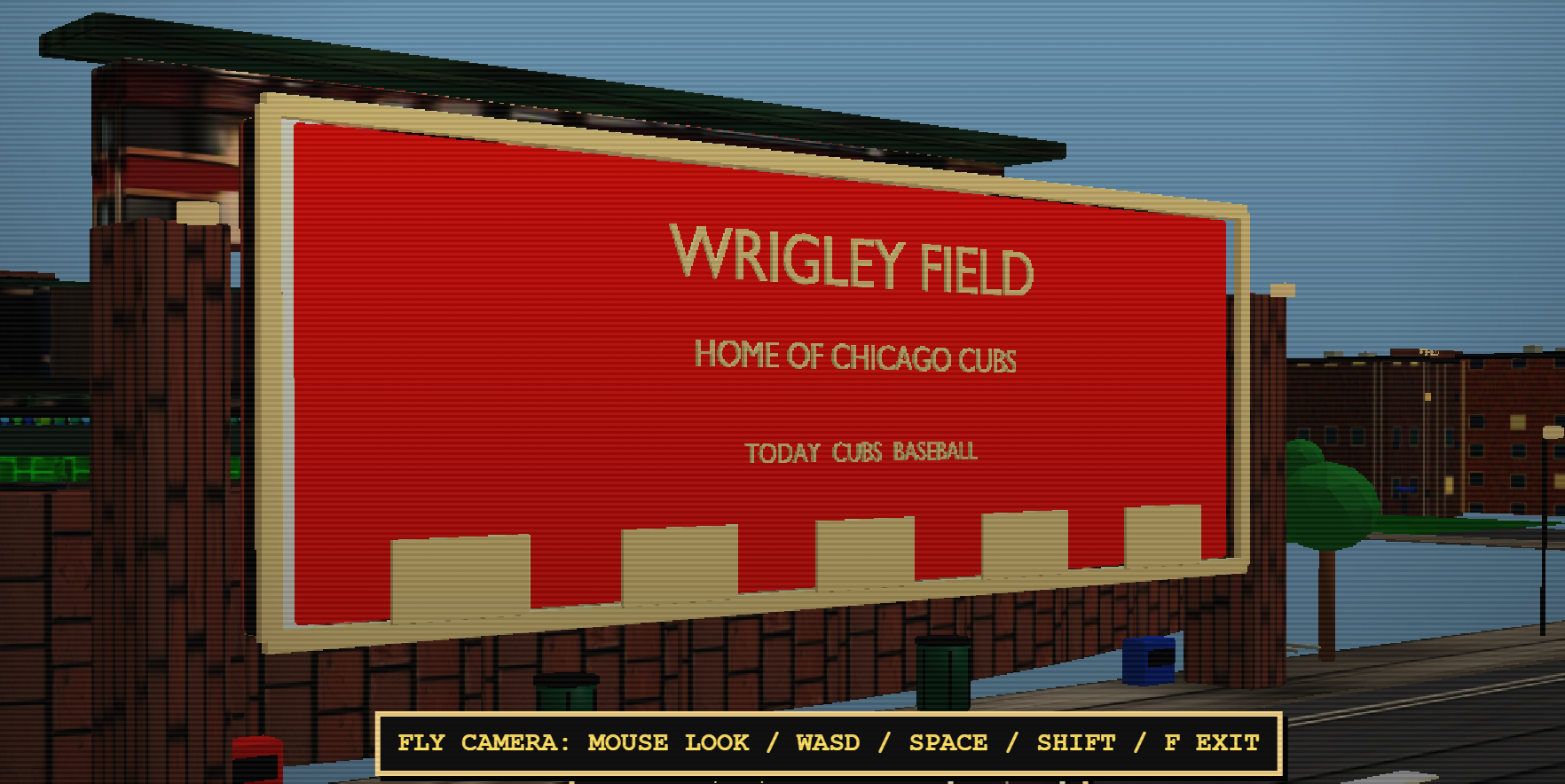
The game takes place at Wrigley Field. The stadium and some of the historic buildings are placed around the stadium, along with some trees and other things. It’s not going to wow you with GTA level graphic fidelity-and at the same time I can’t wait to explain how this was built.
Pitching
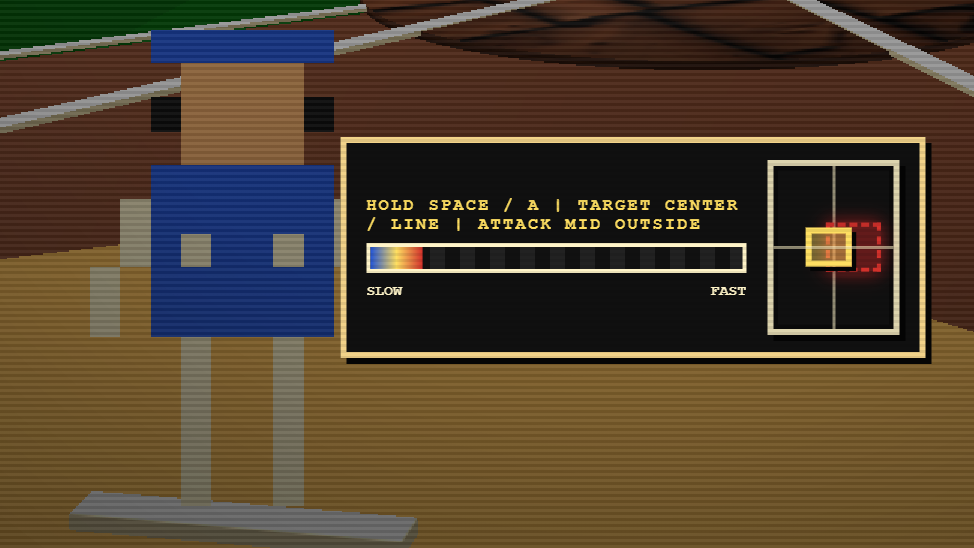
When in pitching mode, there is a strike zone for each player. This means some level of care needs to be made when pitching-it’s about the speed of the ball as well as where you place the pitch. Use the arrow keys to change the pitch target and hold the spacebar to charge up the pitch. Release to send it.
I iterated on several pitching concepts and found this one to be the most fun for this setup. I wanted to capture that feeling that each player has a slightly different strike zone-well within the official strike zone, and to control the field by how fast the ball is going and where you send it in.
Batting
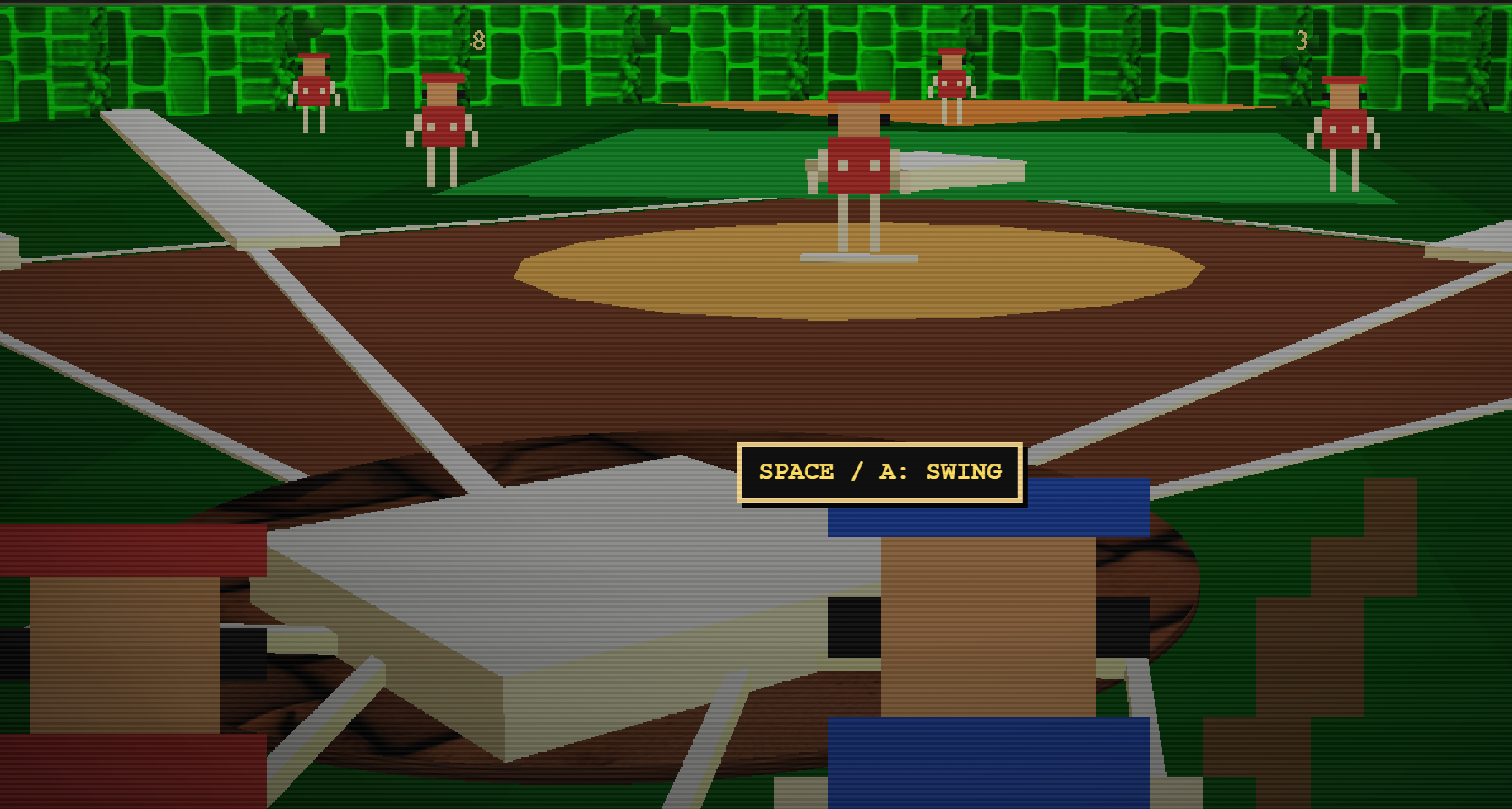
Batting needs a few more iterations-it’s ok as is, but it could realy benefit from more time to polish it up. In the batting mode, you can move your batter into position using the arrow keys up,left,right,down and then space to swing. I even implemented bunting! To bunt-instead of the spacebar, press ‘b’ right when the ball gets close to the player. The in-field is really good at the infield so it’s more gimmick than anything.
Gameplay
All the innings and winning conditions are set from my testing. In this little section, I’ll show some of the different sides of the game.
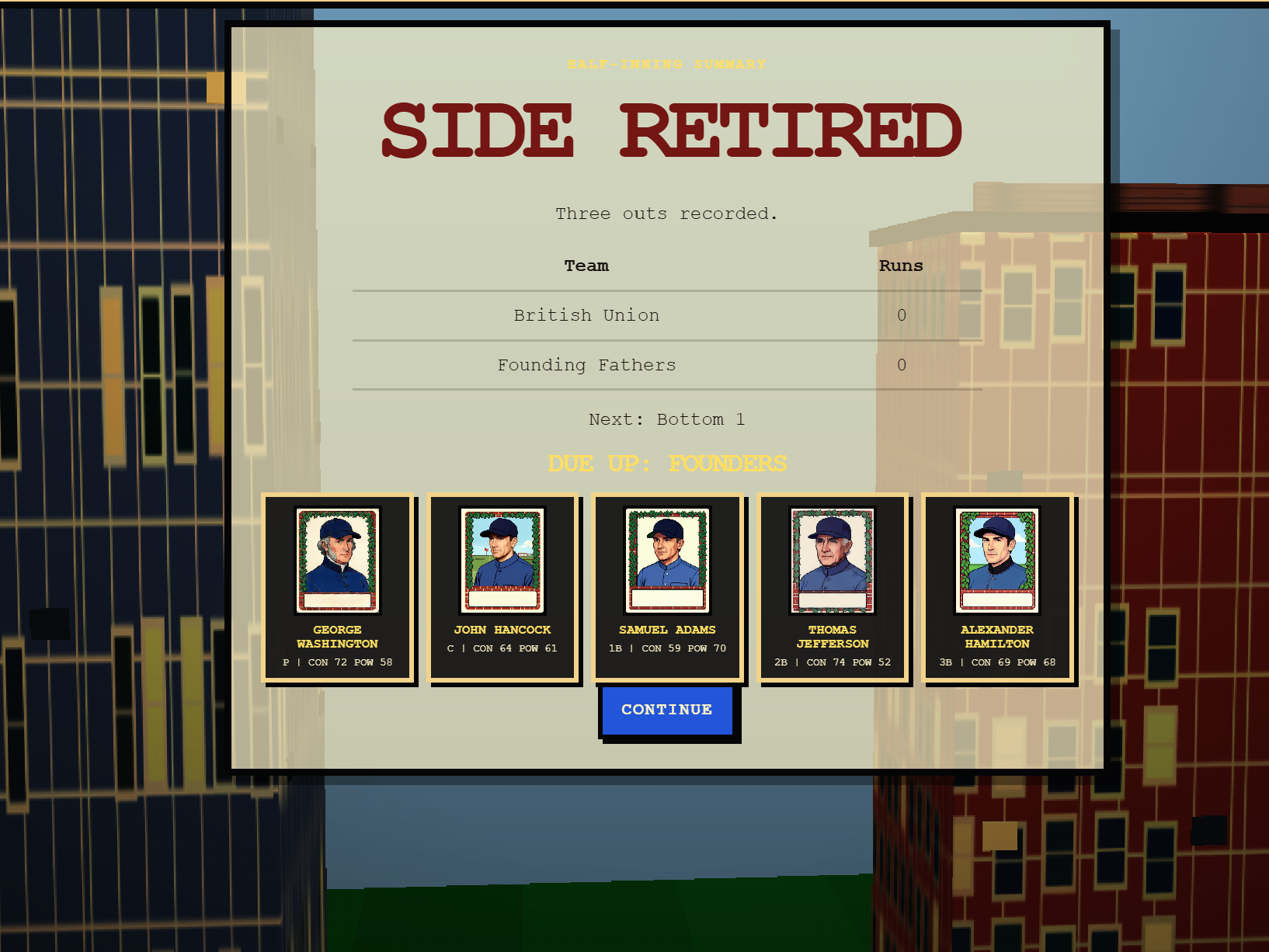
Switching sides
Outfield
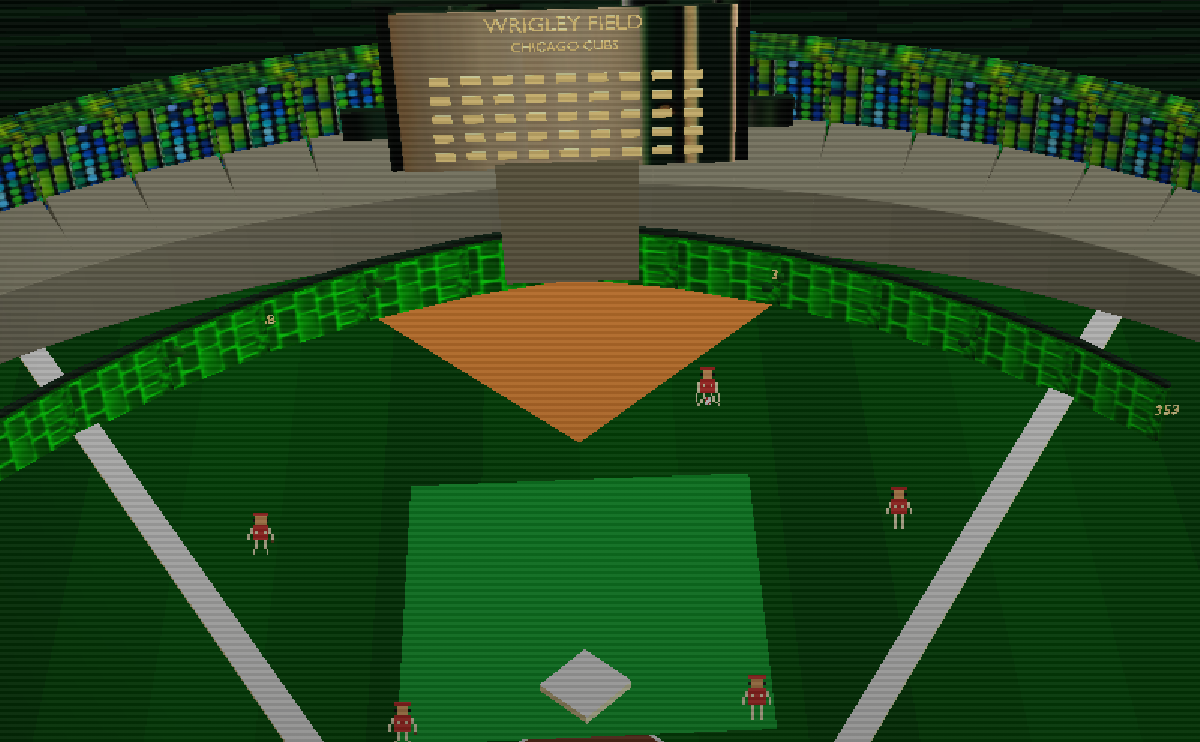
The outfield isn’t playable by the player-NPC characters take on fetching the ball, throwing it to different bases. This pushes more emphasis on you, the pitcher, to ensure that you deliver the ball to your preferred outfield location.
Cheats and Secret keys
The old NES games, many of the cartridge titles had secrets or cheat codes that you as a player could activate to experience the game in new ways and this game is no exception.
Press the ‘`’ key while in the game to enable autoplay mode between the two teams. This turns on the exhibition mode, which also activates additional cameras situated around the scene.
Press the ‘f’ key to enter “fly” mode to fly around the scene. The pixelated characters aren’t just sprites-they’re 2.5 D sprites. You can also use fly mode as an opportunity to see some of the secret things I’ve done with the scene.
Press shift+9 at the start screen, dugout select, and team layout to automatically move to the 9th inning with a 5 point lead. Want to win? This is how.
What I learned in this one
I learned several new techniques in this game. One of them involves how I constructed the stadium, which deserves it’s own post-I have it scheduled already for later in the week. Here’s some of the highlights:
Local sprite art generation and textures is unlocked for me.
The sprite cards were all generated on a Jetson Nano Orion.
The textures were all generated on a 3080.
This game required 3 different AI models to pull off. I had to use a bit of Claude, Codex and GLM5.2 to get things situated. Codex was able to finish it off from there.
I built this once and it failed miserably. This is the second build of Timestorm Baseball. I almost think the failed slop build made this one possible-not for AI, but for me. I’ve never built a full baseball videogame before. I had to learn how to construct one. Once I did, then that’s when it all started to make a lot more sense.
The second version of Timestorm used 80% less /goal to get done. Instead, I leaned on more explicit planning and tackled the project by feature domain. This really seems to have improved the quality overall of the game. I also used quite a bit of the superpowers skill that ships in codex to help fix up specific tricky parts of the game.
Where to play
Original source
Canonical Substack URL: https://advisoryhour.substack.com/p/summer-into-ai-timestorm-baseball.