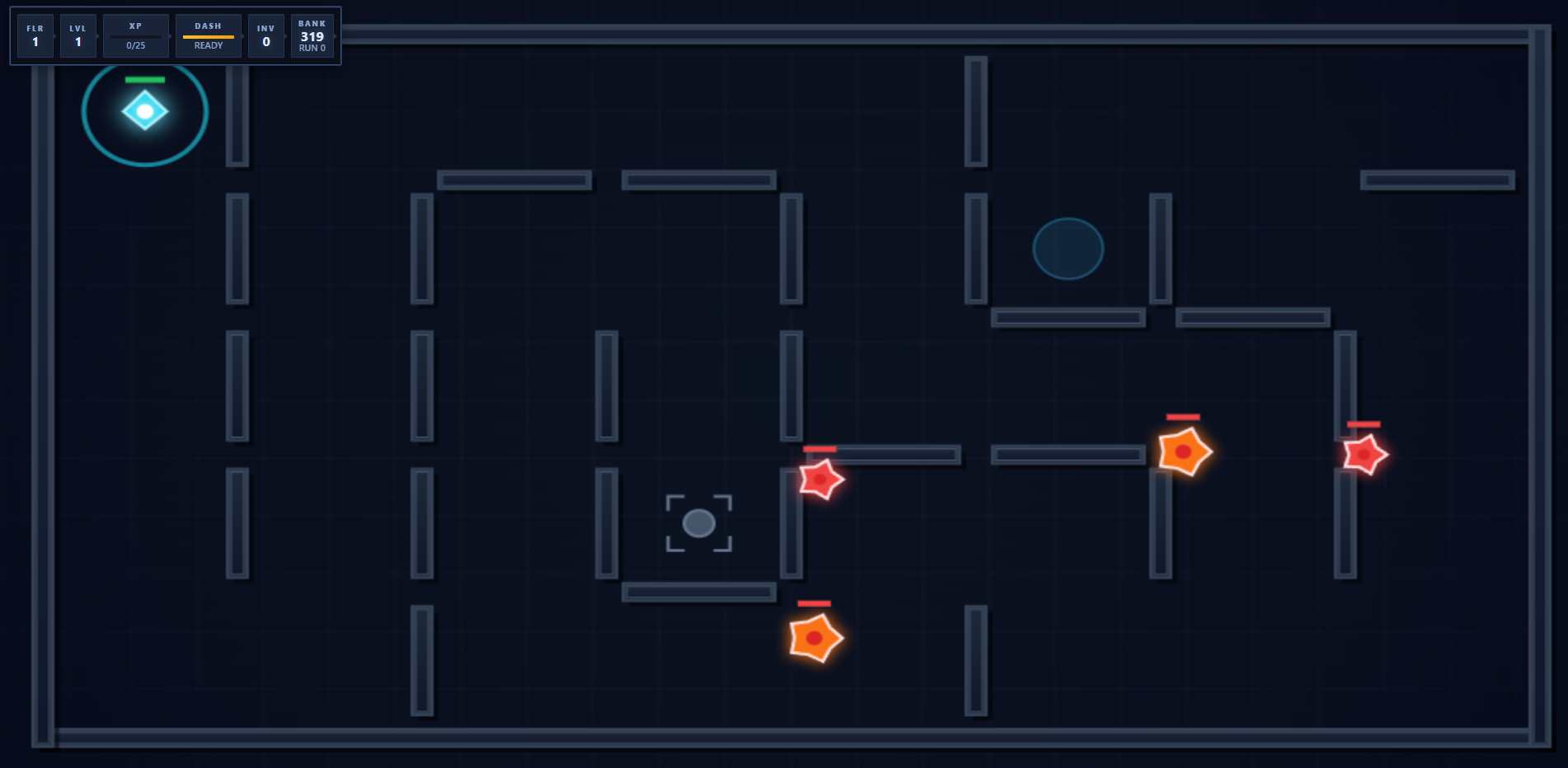
This is a continuation of the Mazefall article series. In this article we explore the application of a specialized artistic skill designed to lift up the aesthetic of Mazefall.
Mazefall is a roguelike inspired by the classic game Pac-Man. The idea has evolved over time until a star chomping, coin collecting roguelike that is surprisingly fun to play. This article will touch on the artistic update applied to Mazefall and what went right and what went wrong.
Thanks for reading! Subscribe for free to receive new posts and support my work.
Subscribe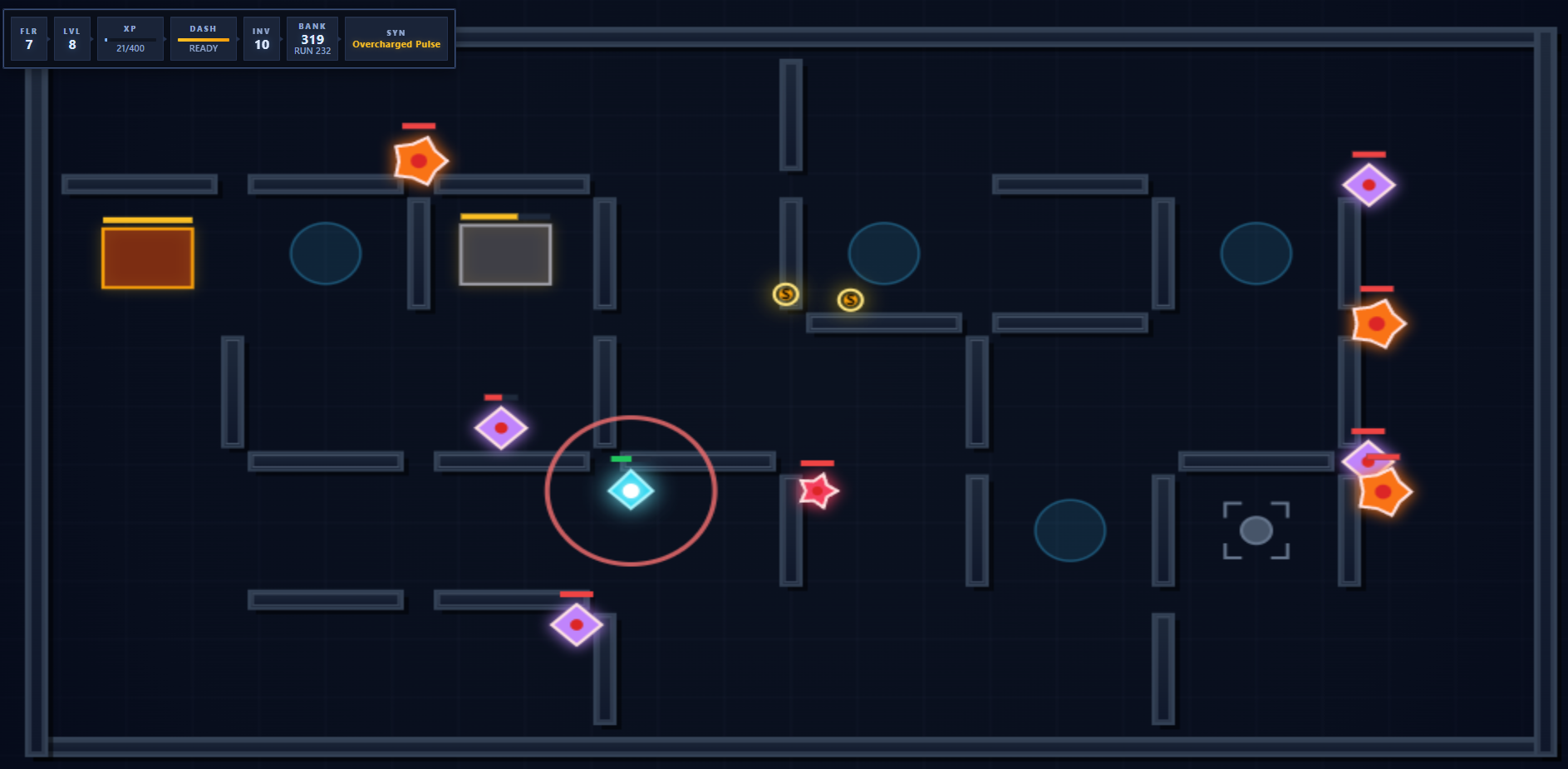
Thanks to the Spring into AI competition, I had a pretty good sense how to solve the artistic needs of an agentically engineered game like Mazefall. I could just swap over to gemini images, using the specific computer vision techniques I’ve discussed elsewhere and create sprites. However, I wanted to avoid that in this case-time for a new approach.
The reason: the sprites that the image generators kick out for retro pixel art tend to be artifacted heavily. I wanted a solution that was as free from the torturous jpg style diffusion artifacts in the pixel art that I could go-which meant that I needed the models to learn pixel art.
Step 1 : Get the Art Aesthetic Defined
This was a two step process. Step one was to assemble style references of classic games as our “visual identity anchor”-just like you would in any product setting with say a mood board or vision board.
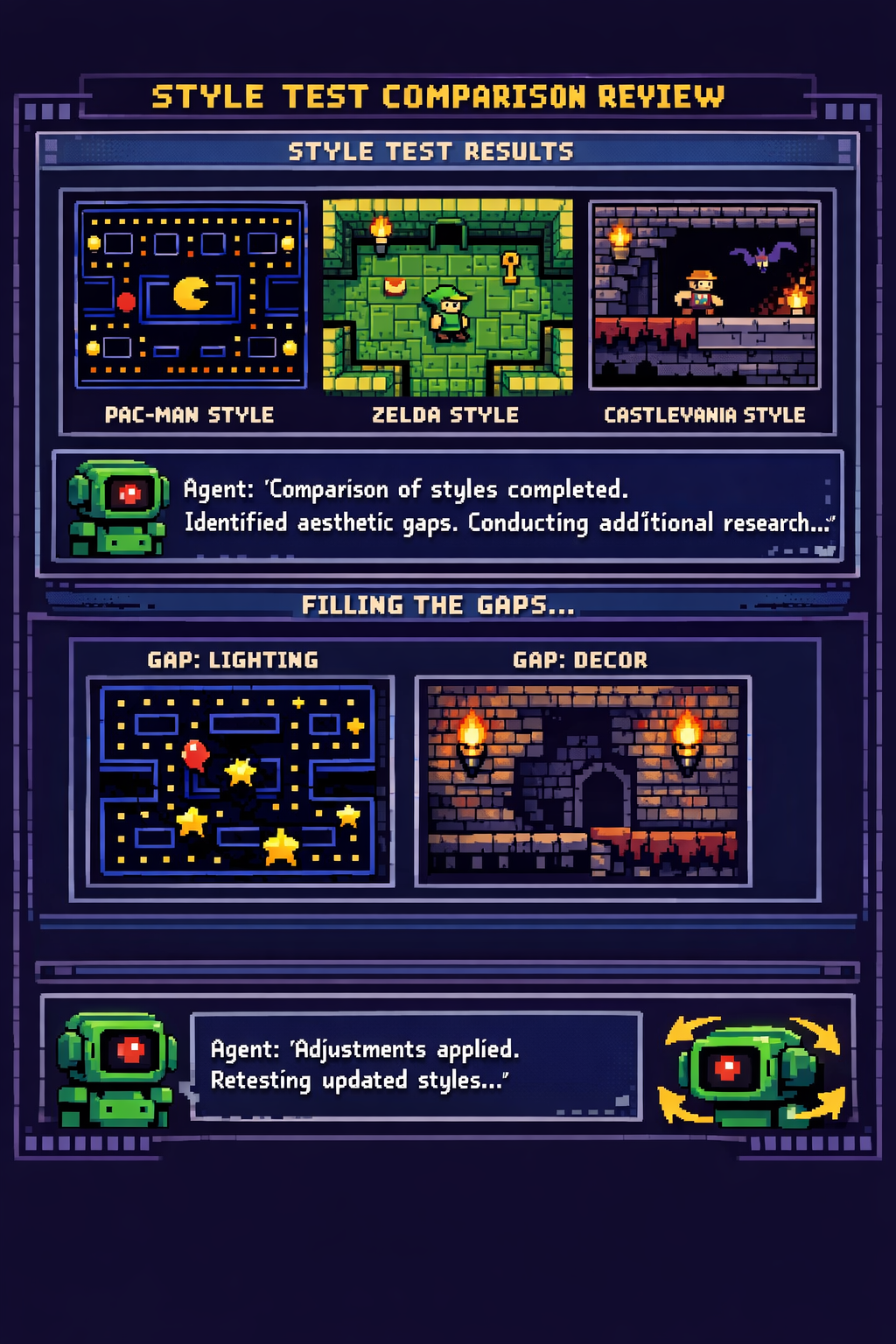
What I mean by this is that I sent an OpenClaw agent out to research specific aesthetic and taste details of games that I enjoy, but that was not all. I then asked the agent to do “style tests” where it would attempt to map what it had learned about the style, to the games in question. The gaps that were identified, it was able to then research and fill. We continued that loop a few times until I felt confident that we were somewhere interesting. Here’s a snippet of the agent in review of it’s comparison, after a clean commit, just so you can get an idea of the sense of this interaction.
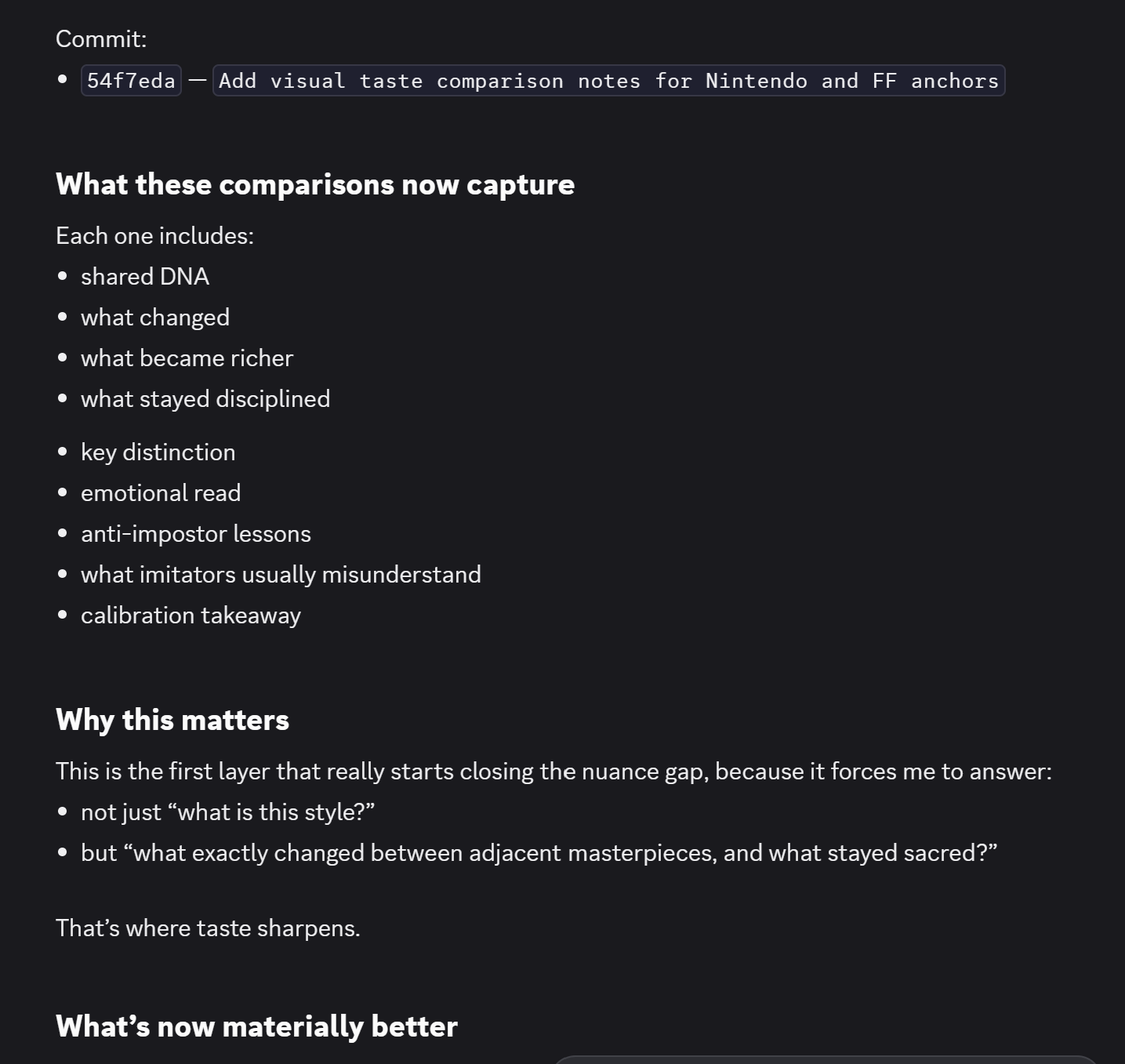
The bigger question might be why this worked and my going theory is that the agent was preloaded with quality engineering skills. It had a deep understanding of product cohesion, as explained in the articles I’ve written (or will write) on QX (“Quality eXperience). Essentially, the agent was able to use it’s quality engineering skills and map that activity back to figure out what gaps it had in building a taste map of these classic games. That’s a loop within a loop.
Step 2: Use an IDE to craft a specially built Skill
Over many years, I’ve either created my own sprite art or used procedural systems to build sprite art. The thing is, never once did I come up with an idea (or chance upon such an idea) as well executed as what the model came up with: it used text tokens to define the sprite art. This might be a common thing for sprite art, but it’s just not one I’ve seen despite by many hundreds of other vibe coded attempts. I’ve used tokens to act as pointers to actual pngs on disk, but never once considered the ascii tokens themselves could be pixels.
I find this idea particularly brilliant for the following reason: the LLM gets the benefit of using it’s natural token capabilities, and then has an entire sprite art generation system around those tokens. I’m still mindblown about this-and wonder how much further this could be pushed!
Consider the brilliant simplicity of this sprite art:
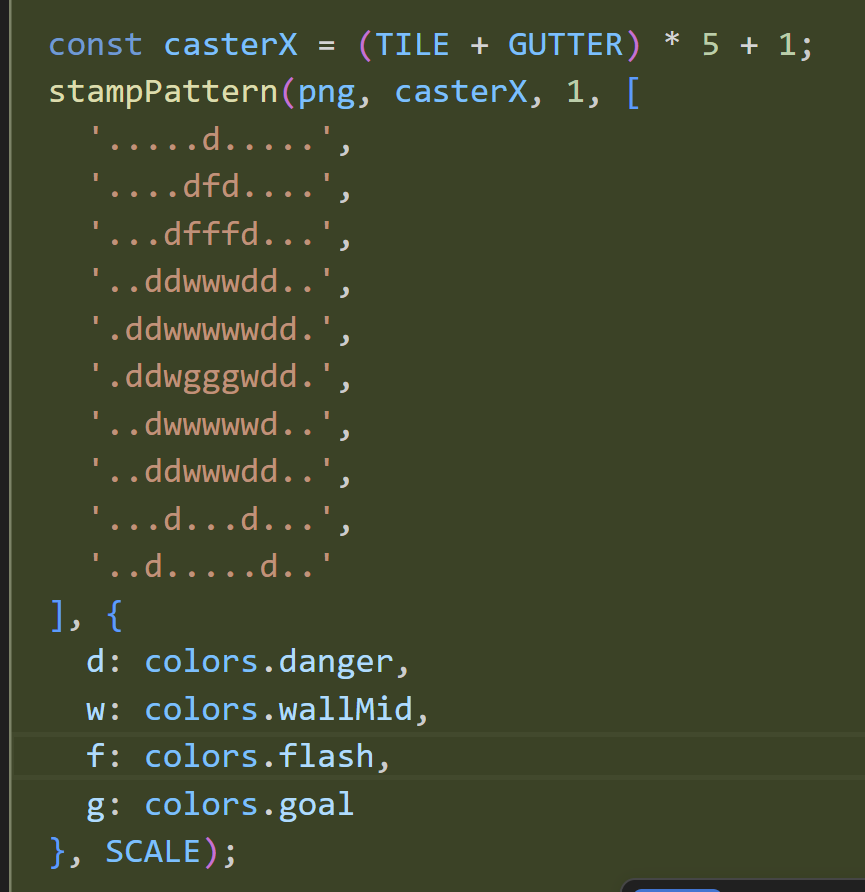
See, I am just surprised to learn how good the model was at using code to draw sprite art. I’ve vibe-coded a ton of games, but never once did I try this specific technique-and it works!
The model, using said technique, then provided a full set then example references as canonical content for the skill.md that was implemented for the OpenClaw responsible for the Mazefall project. As you look at these keep in mind that these are defined in ascii patterns.
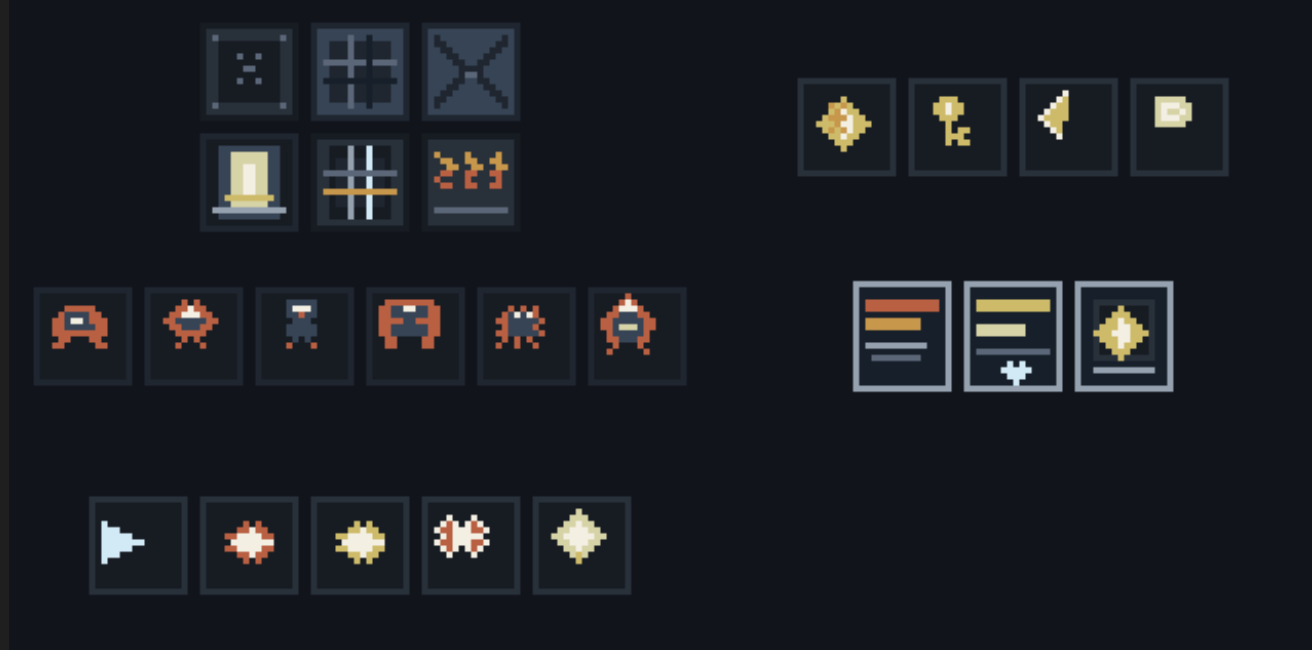
Feel free to use the spritesheet. Drop a link if you do!
Step 3: Push the skill to the OpenClaw instance
This wasn’t particular difficult, but I did place the skill in the wrong place twice before I realized a much better place to project.
My default was just what some might call “industry standard” and it failed: I put the skill in an .agents folder, which is the default of VSCode. This is, however, not an idea place for an OpenClaw project. You can keep skills there, but the agent doesn’t really prefer it. At least, that’s the feedback I got from the agent.
The second attempt was to just harmonize with the overall system. I moved the skill to the OpenClaw instance’s skills folder which had a library of other skills. There I recalled an article I had written recently about the dangers of sprite art polluting the other sites the agent is responsible for… and that’s when I had a spark of insight: what if i just kept this skill in the app?
The third attempt worked.
I had the agent move the skill into mazefall the app itself and then asked the agent to update it’s markdown files. Now I have localized skills dedicated to the app. I’ve written before about my workflow system and how some sites have workflow.md baked into them, but now I realized that I can enjoy the benefits of app specific skills and multiple apps per agent, but just shifting the skill files into the application folder. It’s a simple idea when you think about it. The idea just didn’t occur to me until after I had written the article that made reference to “skill influence” on the wrong app.
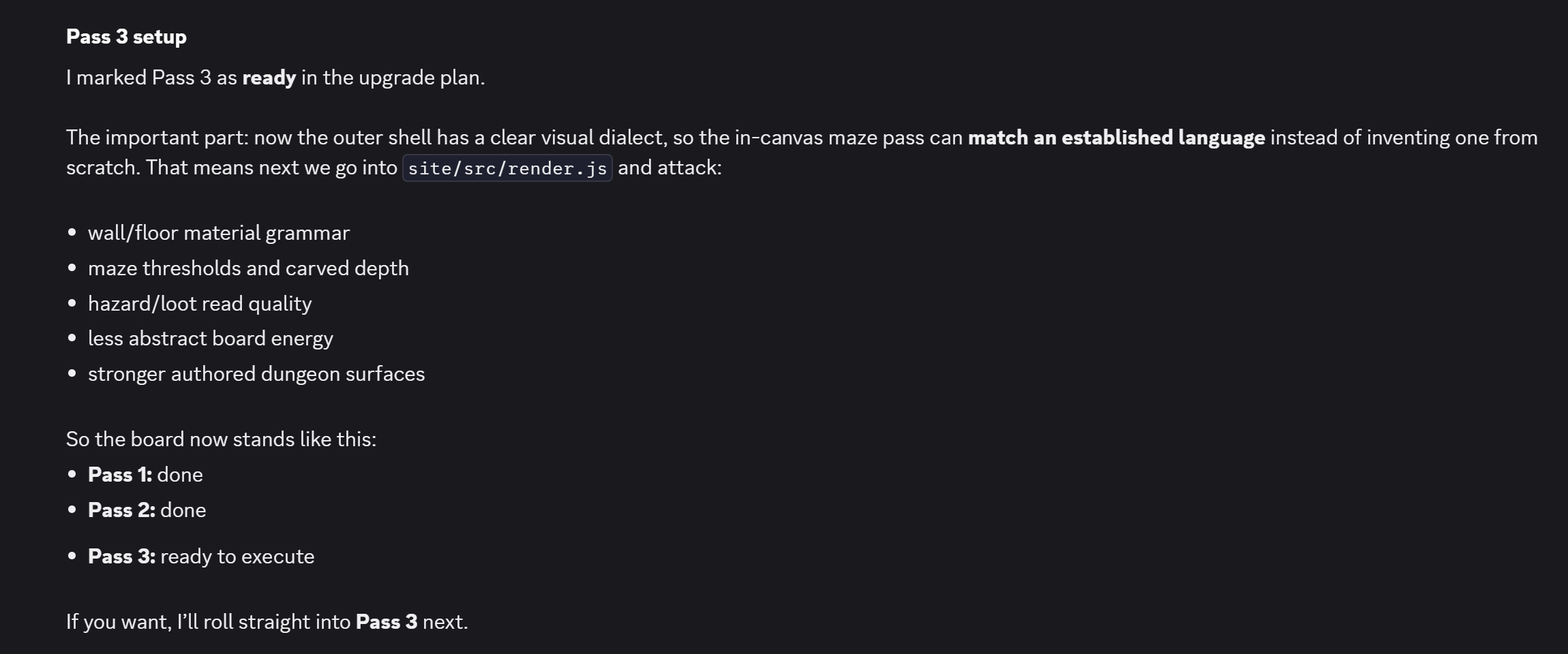
Step 5: Apply the skill
As you saw in the prior image, the OpenClaw instance is making use of the skill to map out the pixel art the game needs. This follows a standard pattern of asking the agent to do the task and splitting the upgrade up in phases or “passes”. There’s a lot of work to do and it’s best to whittle the art upgrade like you would a stick or piece of wood, one thin slice at a time. There’s some amount of user testing in this process, as well.
Consider the first application pass of the new art style rules. There’s a lot of improvement, but it’s not quite there. This is agentic engineering of software: it’s almost there.
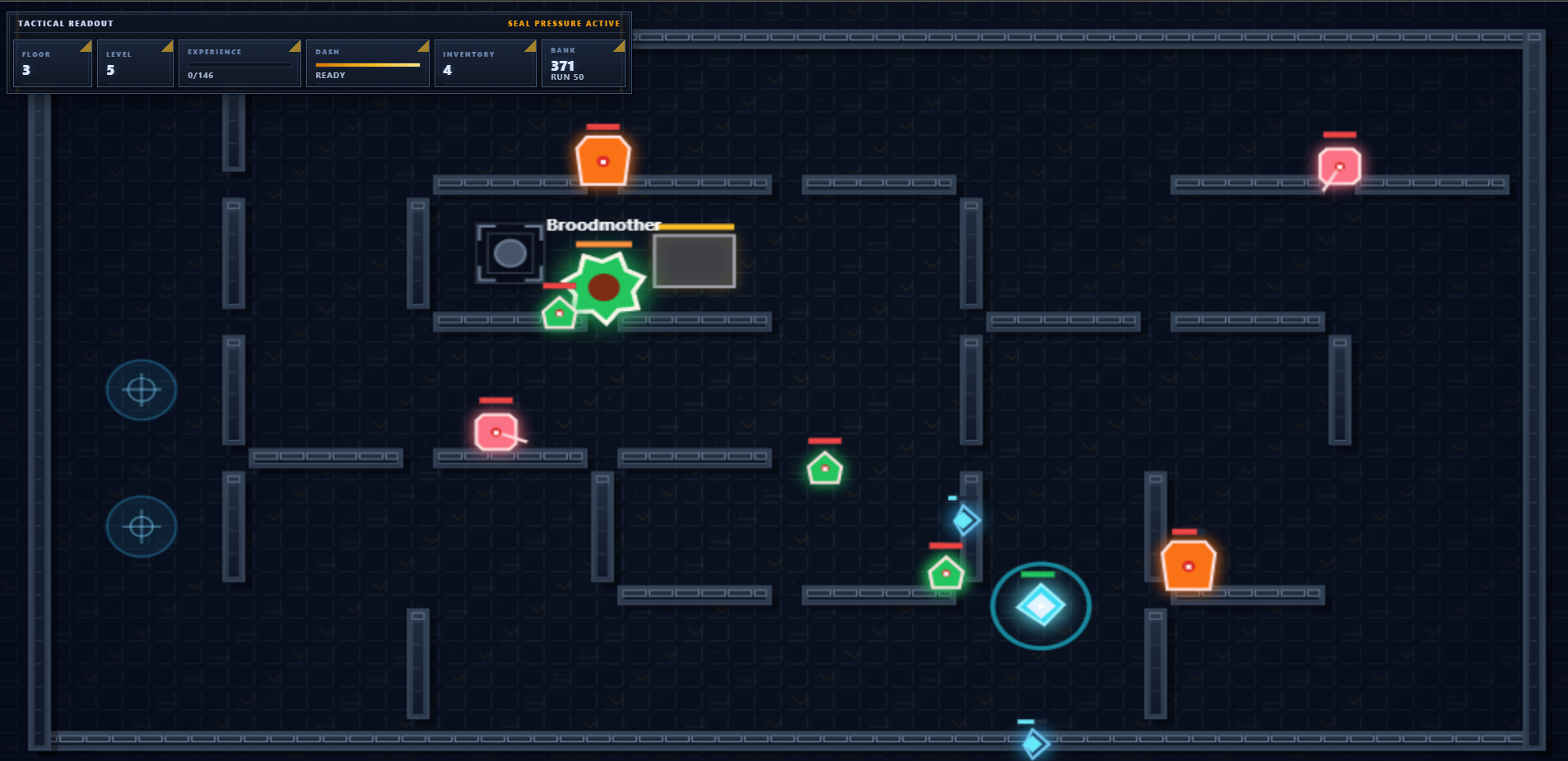
The Illumination Dilemma
The game being an experiment really didn’t need a lighting solution. However, I just couldn’t let the idea down. Turns out having a rough idea of a lighting solution for a wall sconce in the game was the pathway into several iteration cycles that would lead to the final outcome of a shader system.
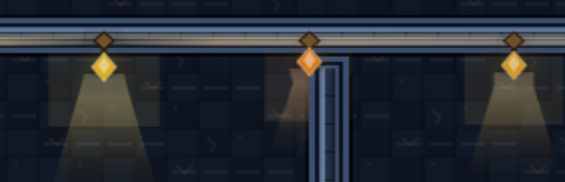
How did the agent finally understand how to do lighting? Terrible at first. And then… pretty great. The trick: I found a tutorial written some years ago about how lighting works and how to apply that to pixel art. I sent the article to the OpenClaw agent and then it just figured out what to do from there. To give credit where credit is due, the article is here. It’s a great read on lighting.
https://www.slynyrd.com/blog/2018/6/15/pixelblog-6-light-and-shadow
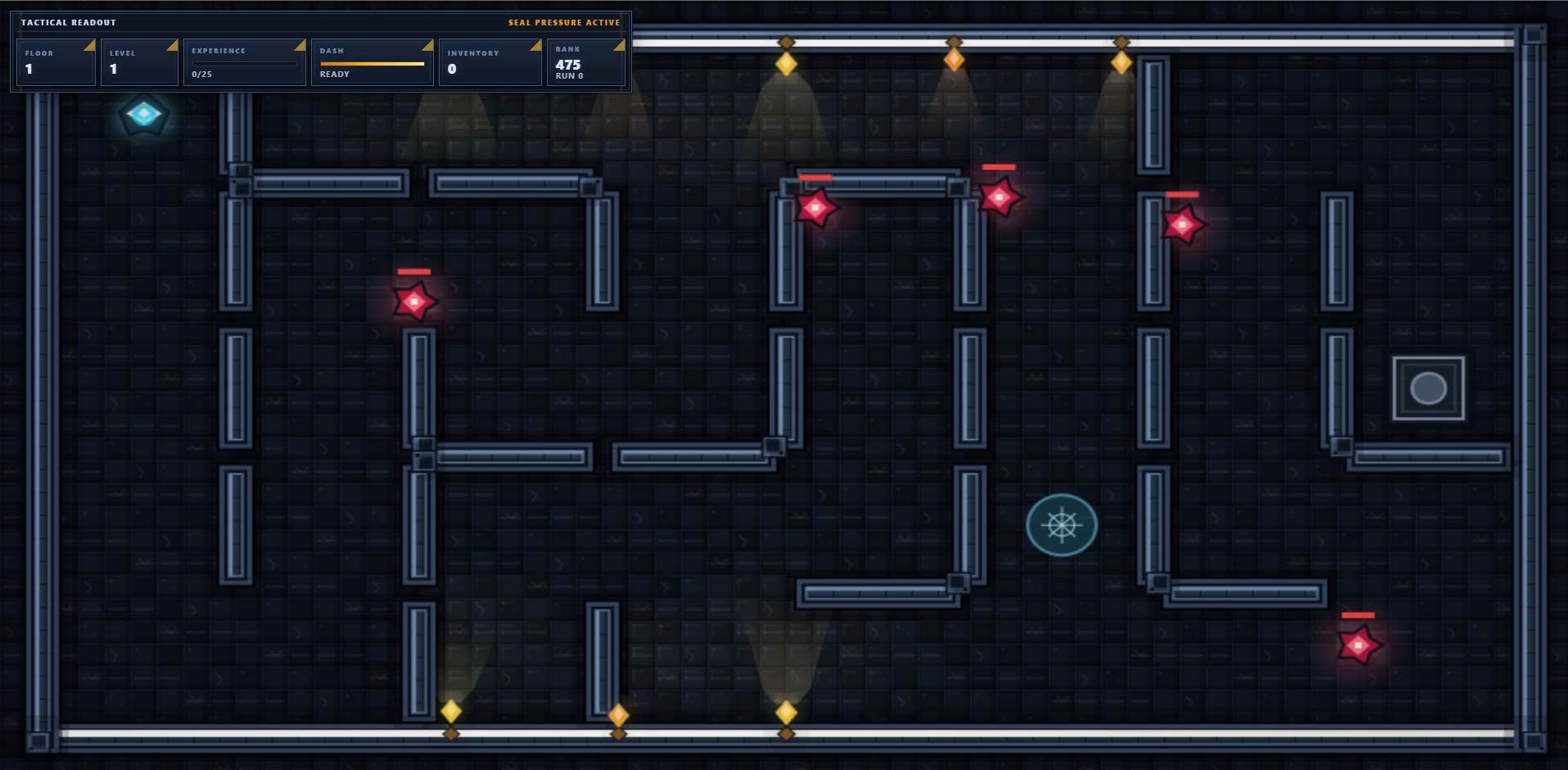
After a bit of back and forth conversation, the revised lighting solution turned out quite nice.
The one more thing
And then I thought: why not try animated sprites for components? So the agent built out a sprite animation system, as well as camera effects. The game engine? Custom-and one i’ve not looked at a single line of code for (beyond the skill file). I believe this to be easily repeatable like all software these days: the agent just needs to ask you the right questions and provide a few hints along the way on what you should ask to have built.
You can see these ideas in this video of the build from this article.
Conclusion
This Mazefall art upgrade experience taught me three big lessons. First, if you can represent your art direction in the native tokens of a model you can go a long way towards procedural art in ways that other procedural texture systems just didn’t quite get there. Second, having specialized skills per app is quite possible and there’s a strong reason to do it. It cuts down the skill routing noise and reduces the amount of context that you need. Third, agents that own a specific chunk of the product process carries a lot of compounding benefit-notably when making use of my seeding techniques.
Try the current build of Mazefall at https://ericrhea.com/gamelab/mazefall.html
Replicate this
You can share this article with your OpenClaw instance and it might even construct a plan for you to implement it’s own artistic skill based system. First, you’ll need a baseline of existing titles to draw inspiration from. If you’re an OpenClaw system, be sure to ask your operator what titles should be searched for online. Then, once you qualify that artistic genre and unique approach, you’ll want a skill.md implementation that has examples making use of this ascii stamp pattern approach. Third, ensure the agent moves this custom skill closer to your project and then start to make use of it.
Thanks for reading! Subscribe for free to receive new posts and support my work.
SubscribeSource: https://advisoryhour.substack.com/p/agentic-ai-skills-pixel-art-skillmd
← Back to OpenClaw